
Nano Banana 2 vs Stable Diffusion
No setup, no GPU, no command line. Get 4K AI images in your browser with better quality out of the box — see why creators are switching from Stable Diffusion to Nano Banana 2.
Try It Now — Free
Generate a 4K image with Nano Banana Pro right here. No install, no GPU, no account needed.
Nano Banana 2 — Easier Than Stable Diffusion
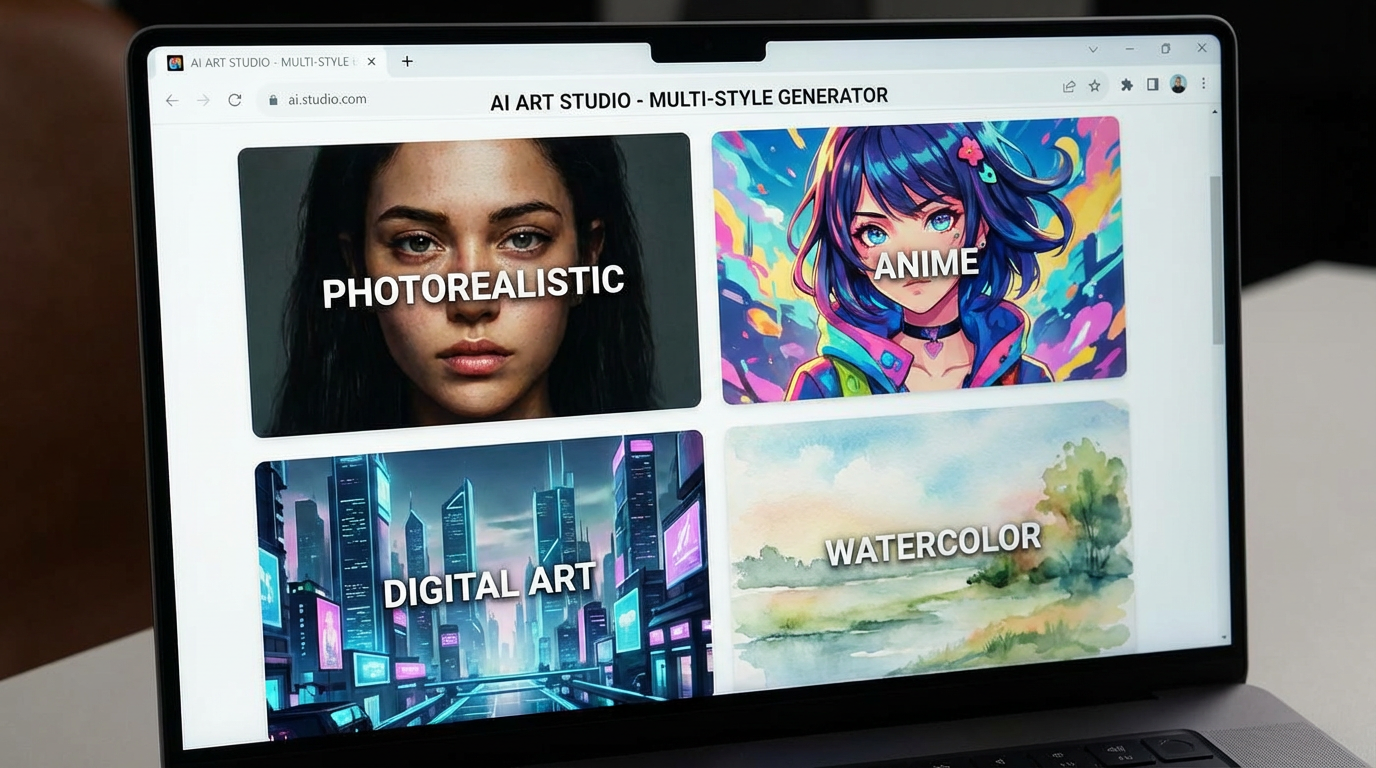
Select a style and see Nano Banana Pro quality — zero setup required
Nano Banana Pro Quality
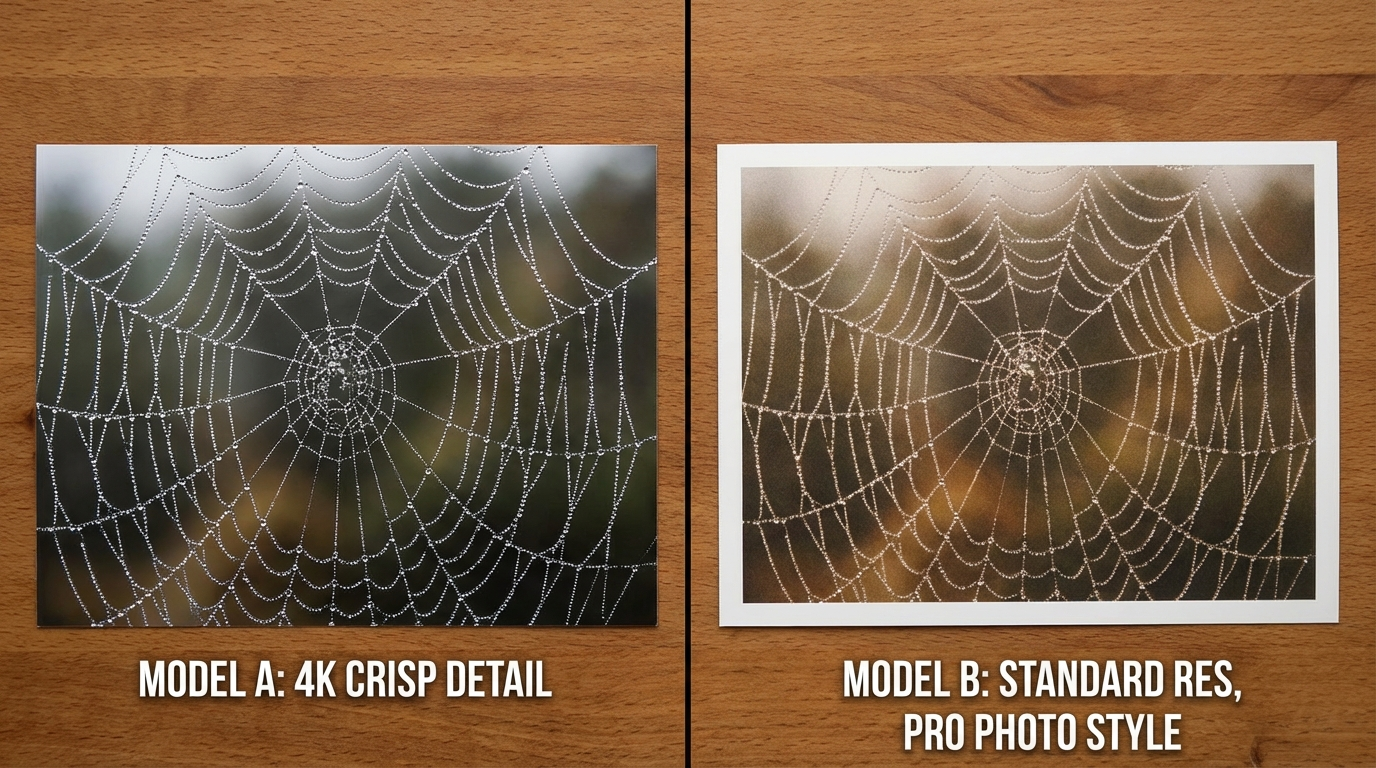
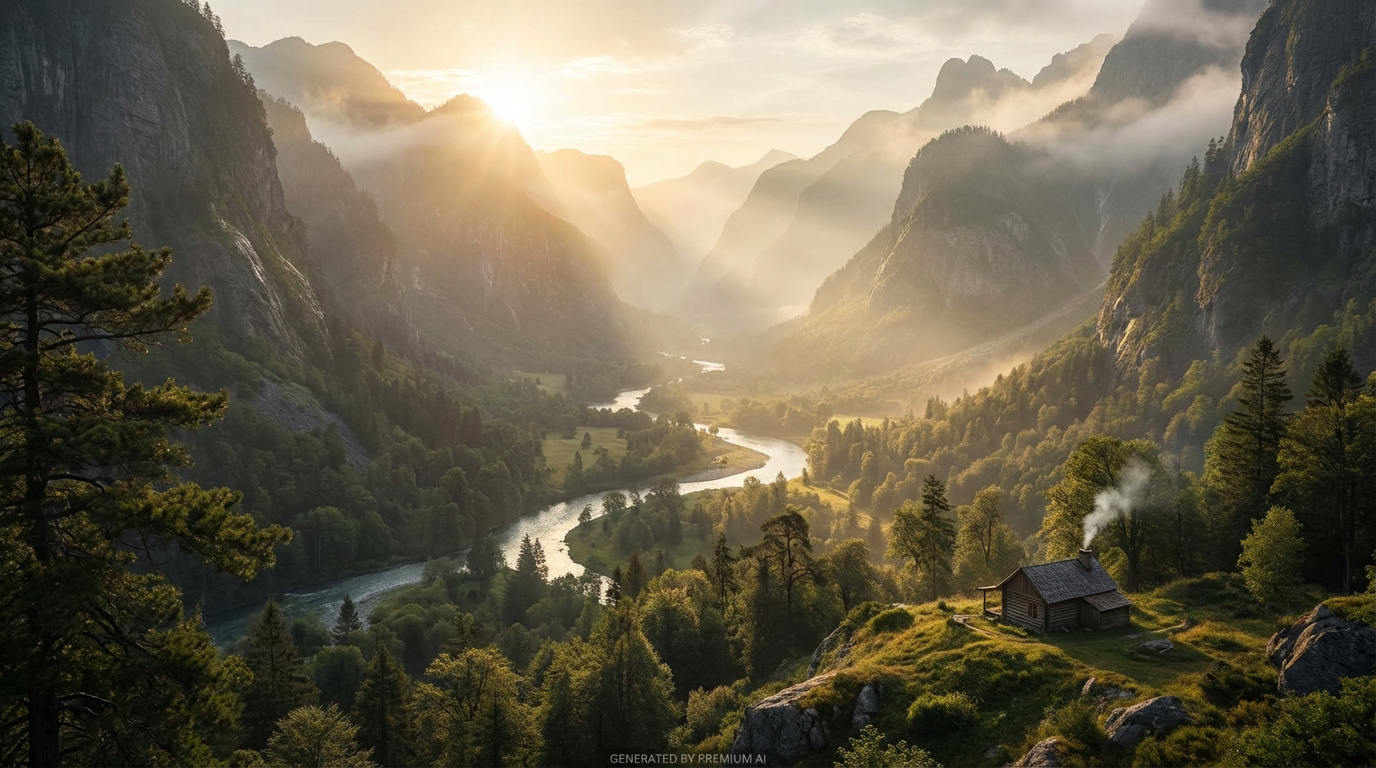
Every image below was generated with Nano Banana Pro in 4K resolution — no local GPU needed
Feature-by-Feature Comparison
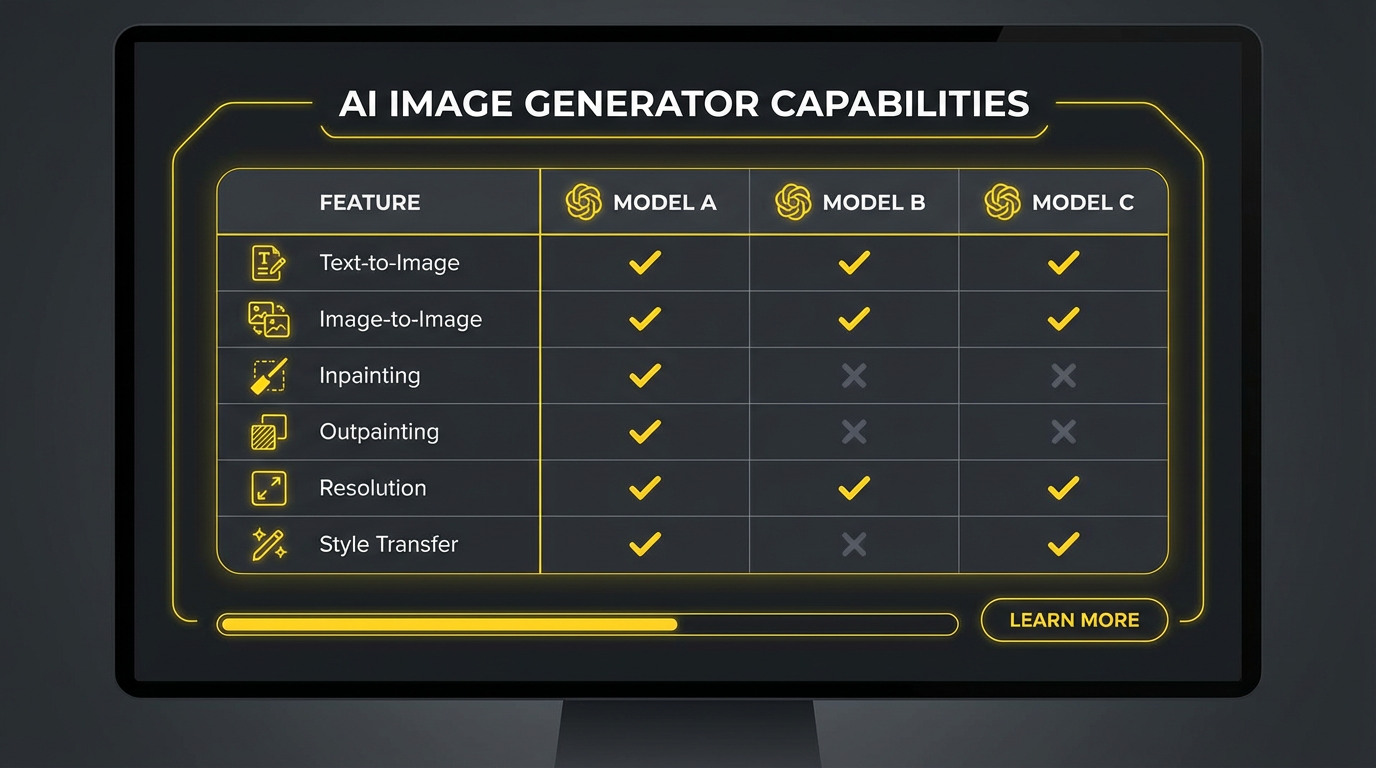
An honest look at how Nano Banana 2 and Stable Diffusion stack up across every important feature
| Feature | Nano Banana 2 | Stable Diffusion |
|---|---|---|
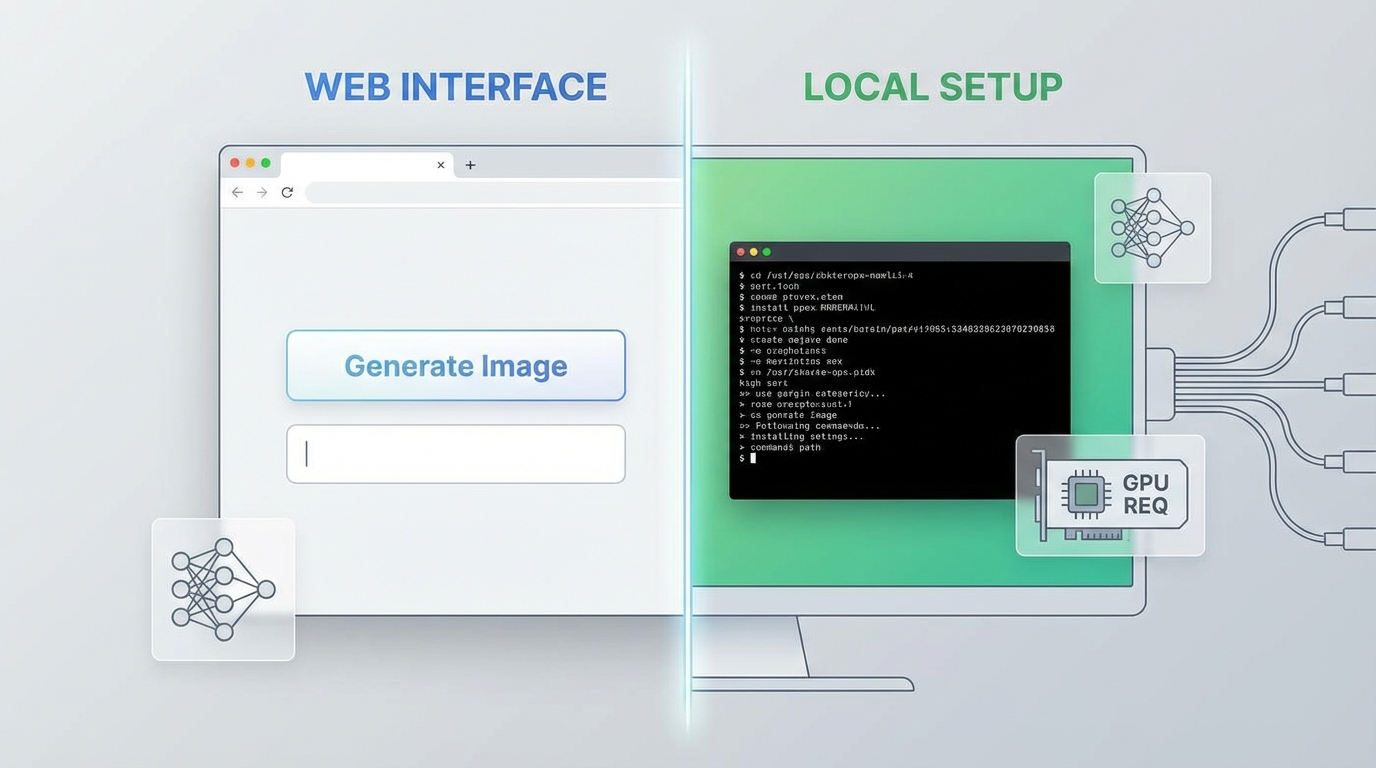
| Setup Required | None — open browser and go | Python, Git, GPU drivers, model downloads |
| GPU Required | No — runs in the cloud | Yes — 8GB+ VRAM recommended |
| Max Resolution | 4K (3840x2160) | 512x512 to 1024x1024 (varies by model) |
| Text Rendering | Perfect — readable text every time | Poor — garbled text is common |
| Free Tier | Yes — no credit card required | Free locally (but GPU costs $500+) |
| Starting Price | $2.99/mo | Free (but hardware + electricity costs) |
| Image Editing | Full AI editing & multi-image batch | Inpainting via separate UI (ComfyUI/A1111) |
| Character Consistency | Built-in across images | Requires IP-Adapter or LoRA training |
| Model Updates | Automatic — always latest version | Manual download and configuration |
| Custom Models | Curated best models available | Full access to community models |
| Video Generation | Yes — VEO3, Kling, Hailuo | Limited — AnimateDiff, SVD (complex setup) |
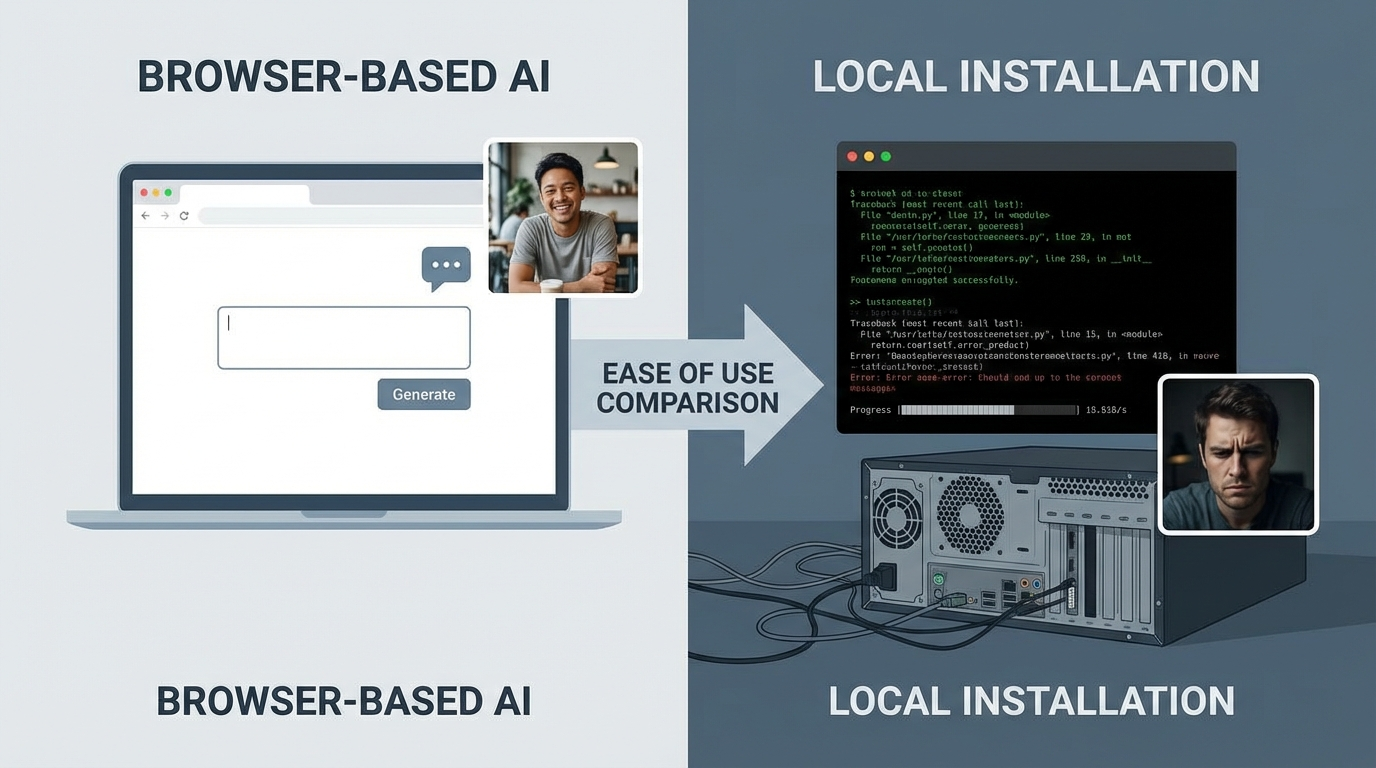
| Learning Curve | Minimal — prompt and generate | Steep — sampling, CFG, schedulers, etc. |
Why Choose Nano Banana 2
Six key advantages that make Nano Banana 2 the smarter choice over Stable Diffusion
Zero Setup Required
Open your browser and start generating. Stable Diffusion requires Python, Git, CUDA drivers, model downloads, and hours of configuration. With Nano Banana 2, you skip all of that and generate your first image in seconds.
No GPU Needed
Nano Banana 2 runs entirely in the cloud. Stable Diffusion requires an NVIDIA GPU with 8GB+ VRAM ($500-1500+) for acceptable performance. No expensive hardware, no electricity costs, no thermal throttling.
True 4K Resolution
Generate images natively at 3840x2160. Stable Diffusion typically outputs at 512x512 or 1024x1024, and upscaling adds artifacts. For print, marketing, and professional projects, Nano Banana 2 delivers publication-ready quality.
Perfect Text Rendering
Nano Banana Pro renders clean, correctly-spelled text inside images every time. Stable Diffusion is notorious for garbled, unreadable text — a fundamental limitation of diffusion-based architecture that persists even in SDXL.
Always Up to Date
New models, features, and improvements are deployed automatically. Stable Diffusion users must manually download new checkpoints, update extensions, fix compatibility issues, and reconfigure settings with every update.
Image + Video in One Platform
Generate AI videos with VEO3, Kling, and Hailuo alongside your images. Stable Diffusion video generation (AnimateDiff, SVD) requires even more complex setup, additional VRAM, and separate workflows.
How It Works
Create professional 4K AI images in three simple steps — no installation needed
Describe Your Image
Enter a text description of the image you want. No need to learn sampling methods, CFG scales, or scheduler settings — just describe what you see.
Choose Style & Settings
Pick a style preset, set your resolution to 4K, and enable features like text rendering or character consistency. All accessible through a clean UI.
Generate & Download
Click generate and get your 4K image in 10-30 seconds. Download it instantly with full commercial rights. No GPU wait times or queue delays.
True Cost Comparison
Stable Diffusion is "free" — until you add up the real costs
Nano Banana 2
- ✓Free tier available
- ✓No GPU or hardware needed
- ✓Zero setup — works in browser
- ✓4K resolution output
- ✓Perfect text rendering
- ✓AI video generation included
- ✓Automatic model updates
- ✓Character consistency built-in
- ✓Full commercial rights
Stable Diffusion (Local)
- ✓Software is free
- ✗Requires $500-1500+ GPU
- ✗Hours of setup and configuration
- ✗512-1024px typical output
- ✗Text rendering unreliable
- ✗Video requires complex separate setup
- ✗Manual model downloads and updates
- ✗Requires LoRA training for consistency
- ✓Open source — modify freely
*Hidden costs: GPU hardware ($500-1500+), electricity (~$10-30/mo for heavy use), storage for models (50-200GB), time spent troubleshooting
Frequently Asked Questions
Common questions about Nano Banana 2 vs Stable Diffusion
Ready to Skip the Setup?
Try Nano Banana 2 free — 4K resolution, perfect text rendering, and plans from $2.99/mo. No GPU, no Python, no configuration required.
Nano Banana 2 vs Stable Diffusion: The Complete Comparison
Stable Diffusion revolutionized AI image generation by making it open source and locally runnable. Since its release in 2022, it has built an incredible community of developers, artists, and hobbyists who have created thousands of custom models, extensions, and workflows. However, this power comes with significant complexity that puts it out of reach for most creative professionals.
The setup barrier is the most commonly cited frustration. Running Stable Diffusion locally requires Python, Git, CUDA toolkit installation, model downloads (2-7GB per checkpoint), and configuration of interfaces like Automatic1111 or ComfyUI. For users on macOS or without NVIDIA GPUs, the situation is even more challenging. Nano Banana 2 eliminates this entirely — open your browser and start generating.
Resolution is another key differentiator. Stable Diffusion models typically generate at 512x512 (SD 1.5) or 1024x1024 (SDXL), with higher resolutions causing artifacts or requiring specialized techniques like tiled upscaling. Nano Banana 2 generates natively at 4K (3840x2160), producing sharp, publication-ready images without any post-processing or upscaling workarounds.
When Stable Diffusion Still Makes Sense
To be fair, Stable Diffusion excels in scenarios where Nano Banana 2 is more limited. If you need to train custom LoRA models on specific characters or styles, use ControlNet for precise pose and composition control, run specialized community models, or integrate AI generation into custom software pipelines — Stable Diffusion's open architecture is hard to beat.
For most users, however, these advanced capabilities aren't needed. The typical workflow is: describe an image, generate it, download it. For this workflow, Nano Banana 2 is faster, easier, and produces better results. You get 4K output, perfect text rendering, character consistency, and video generation — all features that would require extensive configuration in Stable Diffusion.
The cost comparison also favors Nano Banana 2 for most users. While Stable Diffusion software is free, the total cost of ownership — GPU hardware, electricity, storage, and time — typically exceeds $500 in the first year alone. Nano Banana 2 at $2.99/mo costs $35.88 per year with no hardware investment, making it the economical choice for anyone who doesn't already own a high-end GPU.
Try Nano Banana 2 today. Skip the setup and start creating. 4K quality, perfect text rendering, and AI video generation — all in your browser. Free tier available — no credit card required. Paid plans from $2.99/mo.